


IQ QOLSYS IQ4 NS POWER MANAGE - IQ4 NS Alarm System
- SKU IQPK391

General information
Description
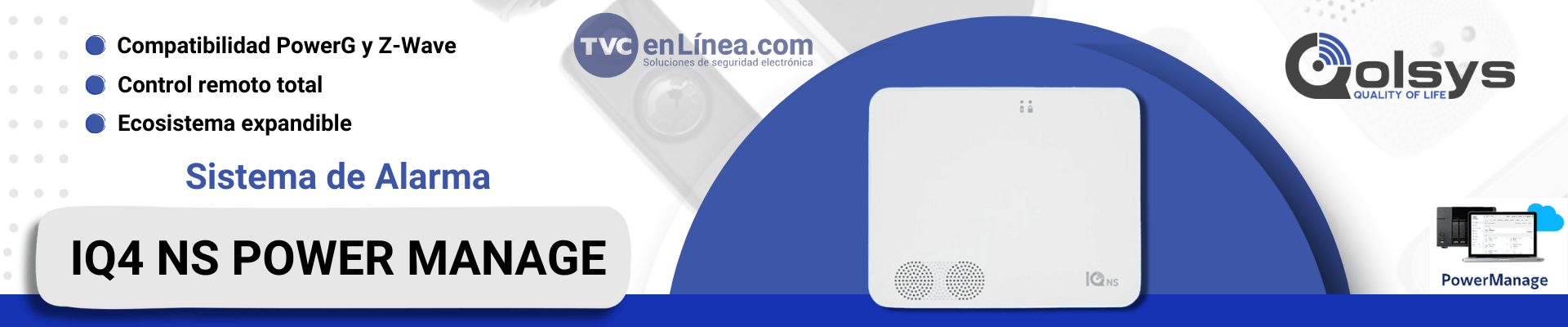
The new Qolsys IQ4 NS panel has several features that allow us to have wireless security devices with Power G technology, as well as Zwave devices with which we can automate our homes or offices, and also control automation devices from a cell phone and computer.
- User codes: Up to 242 (Dealer, Master, Installer)
- Wifi: Wi-Fi 802.11 a/b/g/n/ac dual-band 2.4/5GHz
- Cellular: LTE
- Z-wave plus (800): Up to 137 Devices
- Power G: Up to 128 Devices
- 4 Partitions
- Speaker/Siren: 2W and 85 dB

PowerManage
Tyco's PowerManage service management platform. Now you can monitor, manage, and diagnose various alarm systems with a simple yet powerful interface, allowing you to work more efficiently and serve more customers.
Compatibility:
- PowerSeries Pro and PowerSeries Neo Systems. For more information, visit www.dsc.com
- Qolsys IQ 4 NS System. For more information, visit www.qolsys.com

Setup Assistance
From your smart device, download “IQ Installer” from the Apple or Google Play stores to connect to the IQ4 NS via Wi-Fi and complete local system setup. To connect, follow these steps:
- Open “IQ Installer Interface” and tap Get Started on the phone screen to begin. Tap Scan QR Code and place the phone over the QR located on the back of the panel or on one of the sides of the box. Tap Continue.
- Press the power button twice within 3 seconds.
- The status LED will remain solid blue. Tap Next on the screen.
- Enter the default installer code (1111) or dealer code (2222) to connect.
- When prompted, change the default code to a new installer code.
- Select Panel and press Run wizard.

Download datasheets/manuals
General information
Description
The new Qolsys IQ4 NS panel has several features that allow us to have wireless security devices with Power G technology, as well as Zwave devices with which we can automate our homes or offices, and also control automation devices from a cell phone and computer.
- User codes: Up to 242 (Dealer, Master, Installer)
- Wifi: Wi-Fi 802.11 a/b/g/n/ac dual-band 2.4/5GHz
- Cellular: LTE
- Z-wave plus (800): Up to 137 Devices
- Power G: Up to 128 Devices
- 4 Partitions
- Speaker/Siren: 2W and 85 dB
PowerManage
Tyco's PowerManage service management platform. Now you can monitor, manage, and diagnose various alarm systems with a simple yet powerful interface, allowing you to work more efficiently and serve more customers.
Compatibility:
- PowerSeries Pro and PowerSeries Neo Systems. For more information, visit www.dsc.com
- Qolsys IQ 4 NS System. For more information, visit www.qolsys.com
Setup Assistance
From your smart device, download “IQ Installer” from the Apple or Google Play stores to connect to the IQ4 NS via Wi-Fi and complete local system setup. To connect, follow these steps:
- Open “IQ Installer Interface” and tap Get Started on the phone screen to begin. Tap Scan QR Code and place the phone over the QR located on the back of the panel or on one of the sides of the box. Tap Continue.
- Press the power button twice within 3 seconds.
- The status LED will remain solid blue. Tap Next on the screen.
- Enter the default installer code (1111) or dealer code (2222) to connect.
- When prompted, change the default code to a new installer code.
- Select Panel and press Run wizard.


